Rental settlement template: a ready sample and how to fill it in
RentTab · Published: 22 June 2026
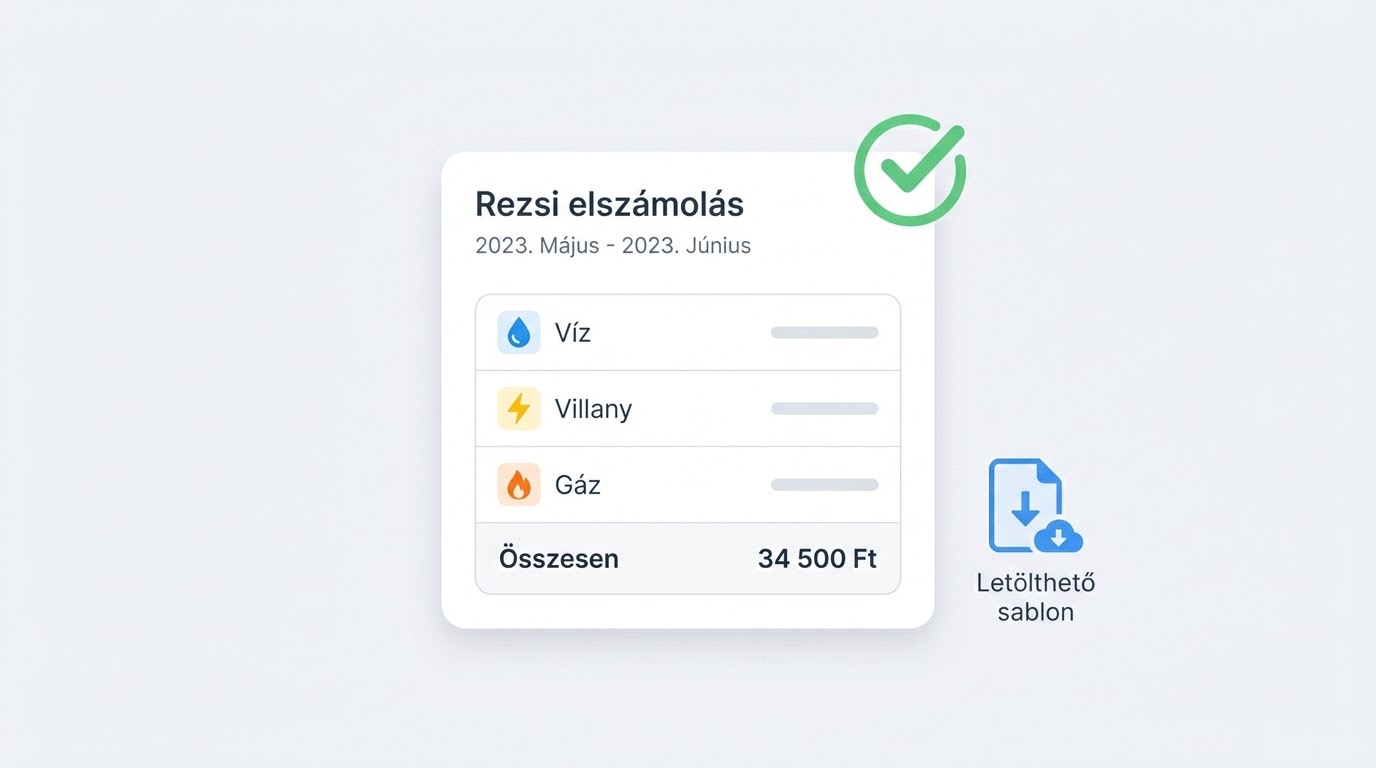
A rental settlement template is a ready sheet where you enter the period, each meter’s opening and closing reading, the consumption, the unit price and fixed charges, and a total row at the end. Use the same template every month and your tenant can follow the statement — and there’s no dispute at move-out.
This article gives you a copy-paste sample and a short fill-in guide. For the full settlement process, see utility bill settlement for rentals, A-Z, step by step. (Units and labels below follow the Hungarian context.)
What a good settlement template includes
- Period (from–to) — clearly which month/period it covers.
- Per meter opening and closing reading, consumption.
- Unit price (per kWh, per MJ, per m³) and standing charge for metered items.
- Non-metered (fixed) items — common cost, waste fee, etc.
- Total row and the payment deadline.
Rental settlement template (copy-paste)
Utility settlement — [flat address] Period: [yyyy.mm.dd] – [yyyy.mm.dd] Tenant: [name] · Landlord: [name]
| Item | Opening | Closing | Consumption | Unit price | Standing | Total |
|---|---|---|---|---|---|---|
| Electricity | [e.g. 12,500 kWh] | [12,700 kWh] | [200 kWh] | [36 / kWh] | [—] | [7,200] |
| Water | [220 m³] | [225 m³] | [5 m³] | [700 / m³] | [800] | [4,300] |
| Gas | [—] | [—] | [per bill] | [—] | [—] | [5,200] |
| Common cost | — | — | — | — | fixed | [—] |
| Waste fee | — | — | — | — | fixed | [1,000] |
| Total | [17,700] |
Payment deadline: [yyyy.mm.dd] · Method: [bank transfer to …] Note: [e.g. settling last month’s over-/underpayment]
Replace the bracketed parts with your own data. For gas, the provider’s bill is authoritative (m³ → MJ via the calorific value and correction factor).
⬇️ Downloadable Excel template (.xlsx)
The template contains only the labels and empty fields (no formulas) — you fill in the total yourself, or let RentTab produce it automatically. (Labels are in Hungarian.)
Fill-in guide (5 steps)
- Period and parties — enter the month and the tenant/landlord names.
- Readings — for each meter the opening (previous closing) and the current closing value, documented with a photo.
- Consumption — closing − opening reading.
- Convert to money — consumption × unit price + standing charge; fixed items on their own rows.
- Total — sum the rows, add the deadline, and send it to the tenant.
Common mistakes with the template
- Blank readings — always have an opening and closing value, otherwise consumption can’t be checked.
- Double-counting the standing charge — once in consumption, once separately; only once is correct.
- A template that changes each month — keep it consistent so the tenant can follow.
Instead of a template, automatically
Filling the template by hand takes 15–30 minutes per flat per month. RentTab produces the same statement automatically: the reading comes from a photo, consumption and charges are calculated for you, and you get a finished, itemised settlement the tenant can follow. RentTab does not handle money; it produces and records the settlement.
Frequently asked questions
Where do I find the unit price? On your provider’s bill (per kWh, per MJ, per m³), together with the standing charge.
Does the settlement need a signature? Not required, but a tenant confirmation (e.g. in writing/email) reduces the chance of a dispute.
How do I handle gas in the template? The gas meter measures in m³ but the bill is MJ-based; convert using the calorific value and correction factor on the bill. The provider’s bill is authoritative for the total.
Monthly or quarterly template? Whichever fits your contract. Many landlords settle monthly because it carries less error.